
Using the mobile app
The BlueOneHR mobile app covers the things you do often: clocking in and out, requesting leave, looking up a colleague, and checking your own records.
Connecting the app to your organisation
The app is not tied to one company, so the first thing it asks for is your organisation's address — the same address you use in a browser.
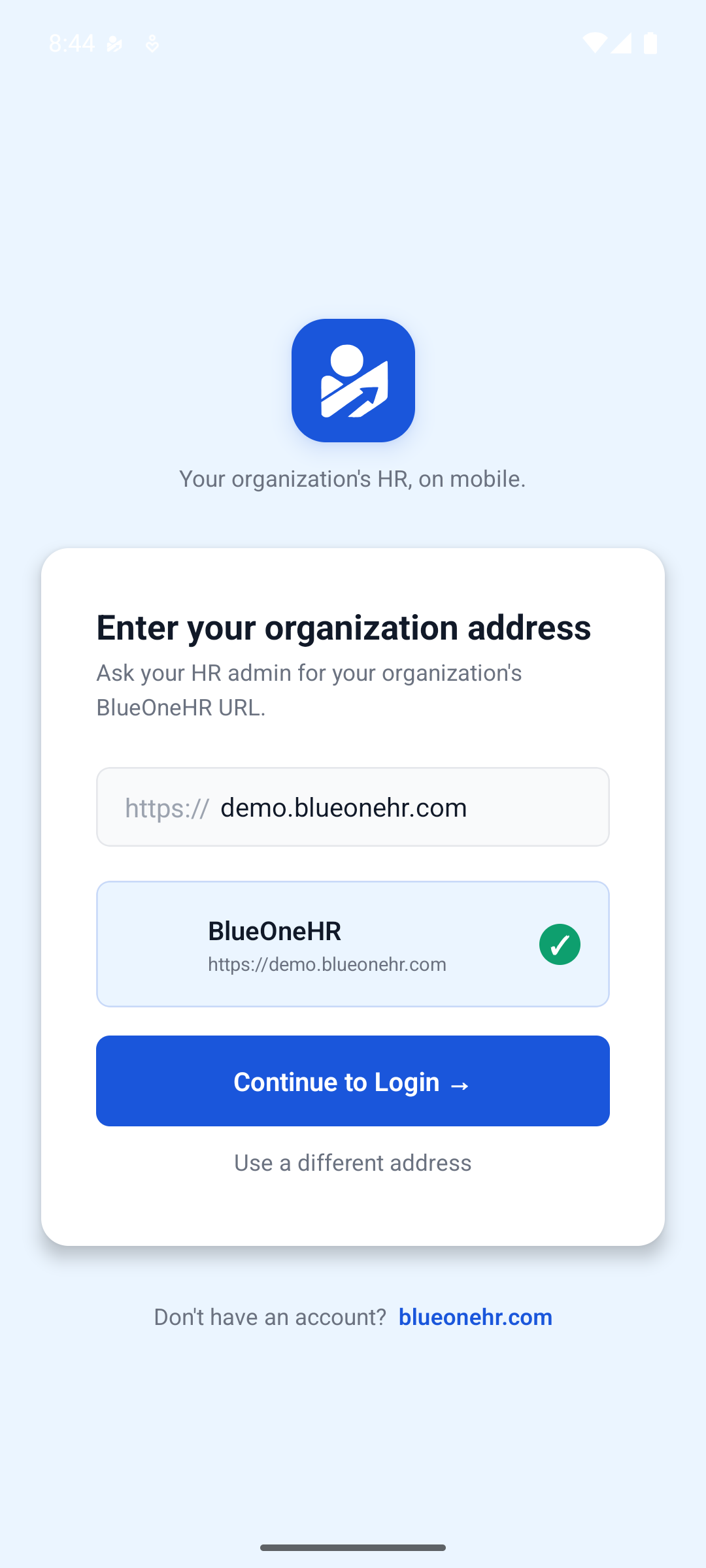
Type it in and the app checks that it can reach your organisation before going any further. When it confirms the organisation, choose Continue to Login and sign in with the same email address and password you use on the web.
If you enter the wrong address, or you move to a different organisation, choose Use a different address to start again.
Signing in
Your credentials are the same on mobile and on the web. If you cannot sign in on your phone but you can in a browser, the address is the most likely cause; check it before assuming your password is wrong.
Finding your way around
The app has a row of tabs along the bottom. Which ones appear depends on your role and on the modules your organisation has enabled, but they generally cover your home screen, attendance, leave, your team, and your profile.
Staying signed in
The app keeps you signed in between sessions so you are not typing a password every morning before clocking in. Sign out from your profile if you hand the device to someone else.
No comments to display
No comments to display